App / Developer: AutoGram (Autogram BHH)
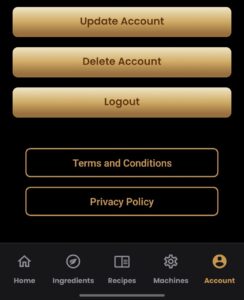
After confirmation, your account and associated data will be scheduled for deletion.
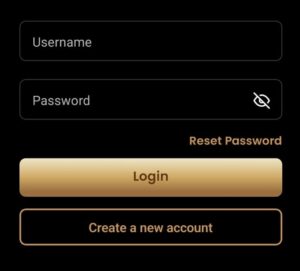
If you cannot log in, you can request deletion by email:
Send an email to: support@the-autogram.comSubject: Account deletion request – AutoGram
Include:
The email address or username used in AutoGram
(Optional) Your user ID (if visible in the app)
A short message: “Please delete my AutoGram account and associated data.”
Your account profile (First Name, Last Name, Username, Email Address, Phone Number)
App-related user content you created (Ingredients, Recipes, Dispense Event Logs, Batches)
Any identifiers linked to your account in our systems
We may retain limited data only where required for legal, security, or fraud-prevention reasons:
Server security logs (e.g., IP/device logs) for up to 30 days
Backup copies for up to 30 days (until backups rotate)
In-app deletion: typically processed within 1 hour
Email requests: typically processed within 3 days
Backups: may take up to 30 days to fully purge
If you have any questions, you can always reach out to us.
BHH B.V.
Weegschaal 6, 5215 MN
E: info@bhhproducts.com
T: +31 (0)6 1373 8311
www.the-autogram.com